

3D Design Area to streamline processes.
From design to configuration within a single integrated 3D system, reducing errors and accelerating decision-making.
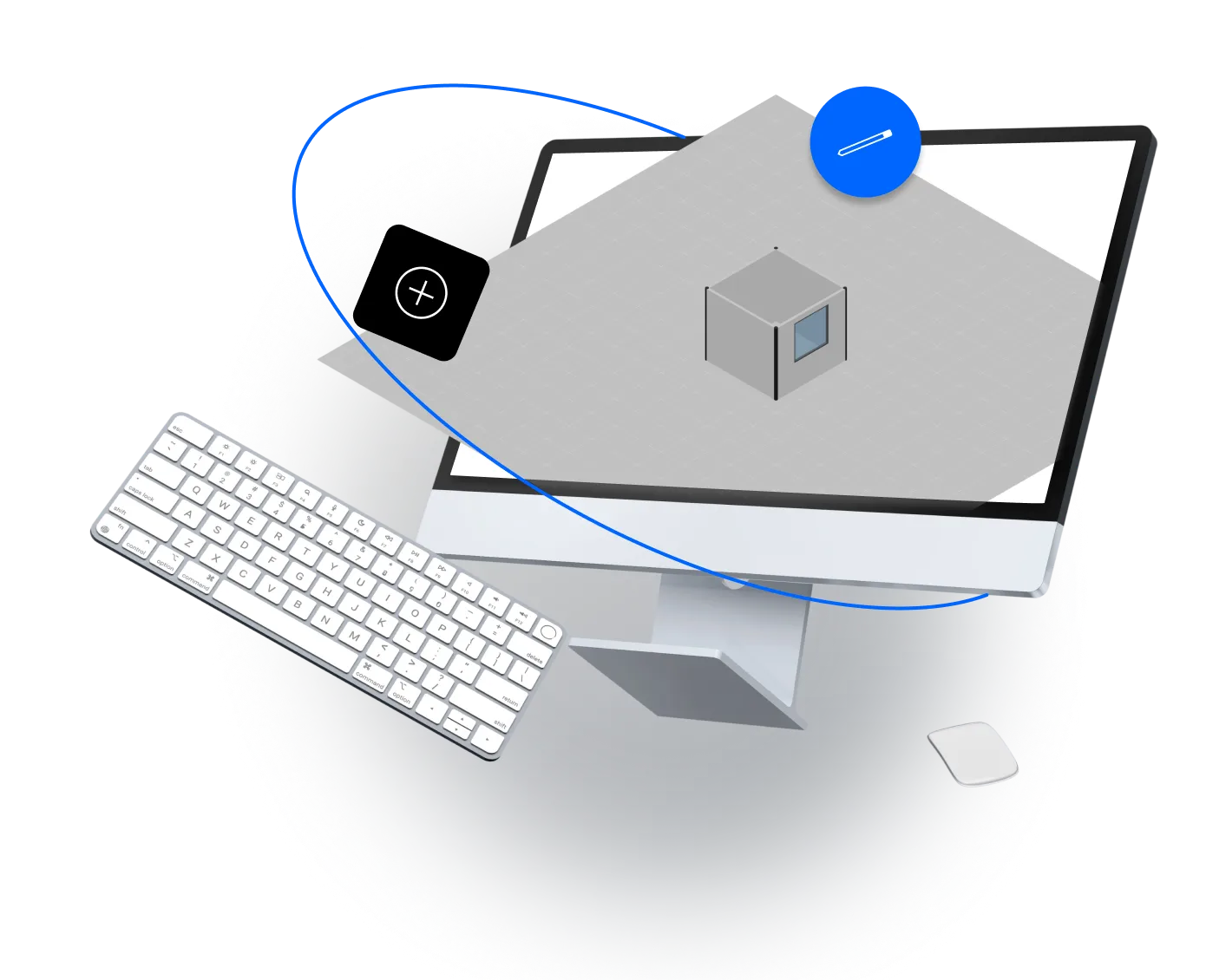
Why you need a 3D Design Area:
Reduces revisions and manual design changes

Aligns design, sales, and the customer

Speeds up the solution validation process
Benefits of having a 3D Design Area
Some of the key advantages to optimize the design phase.
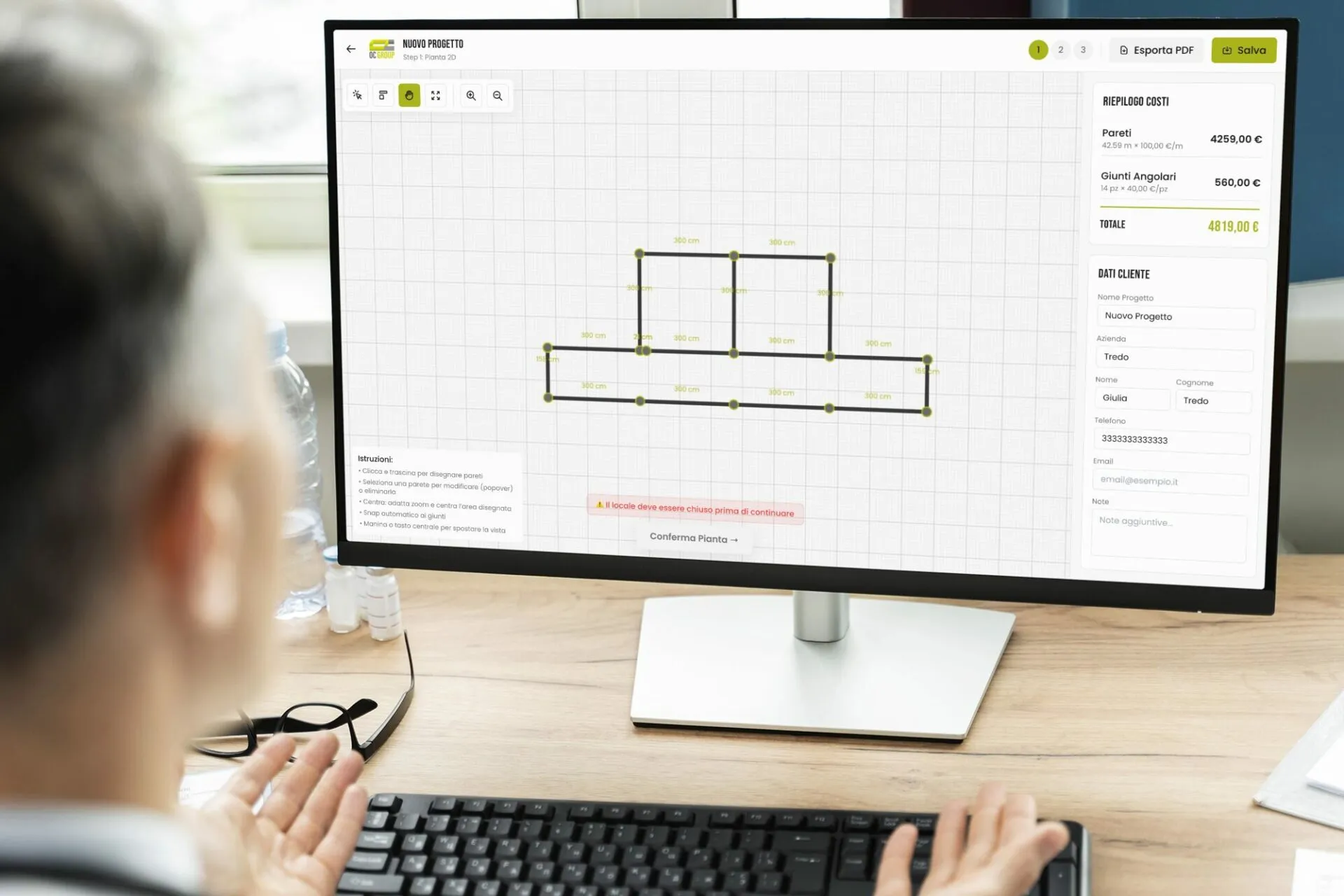
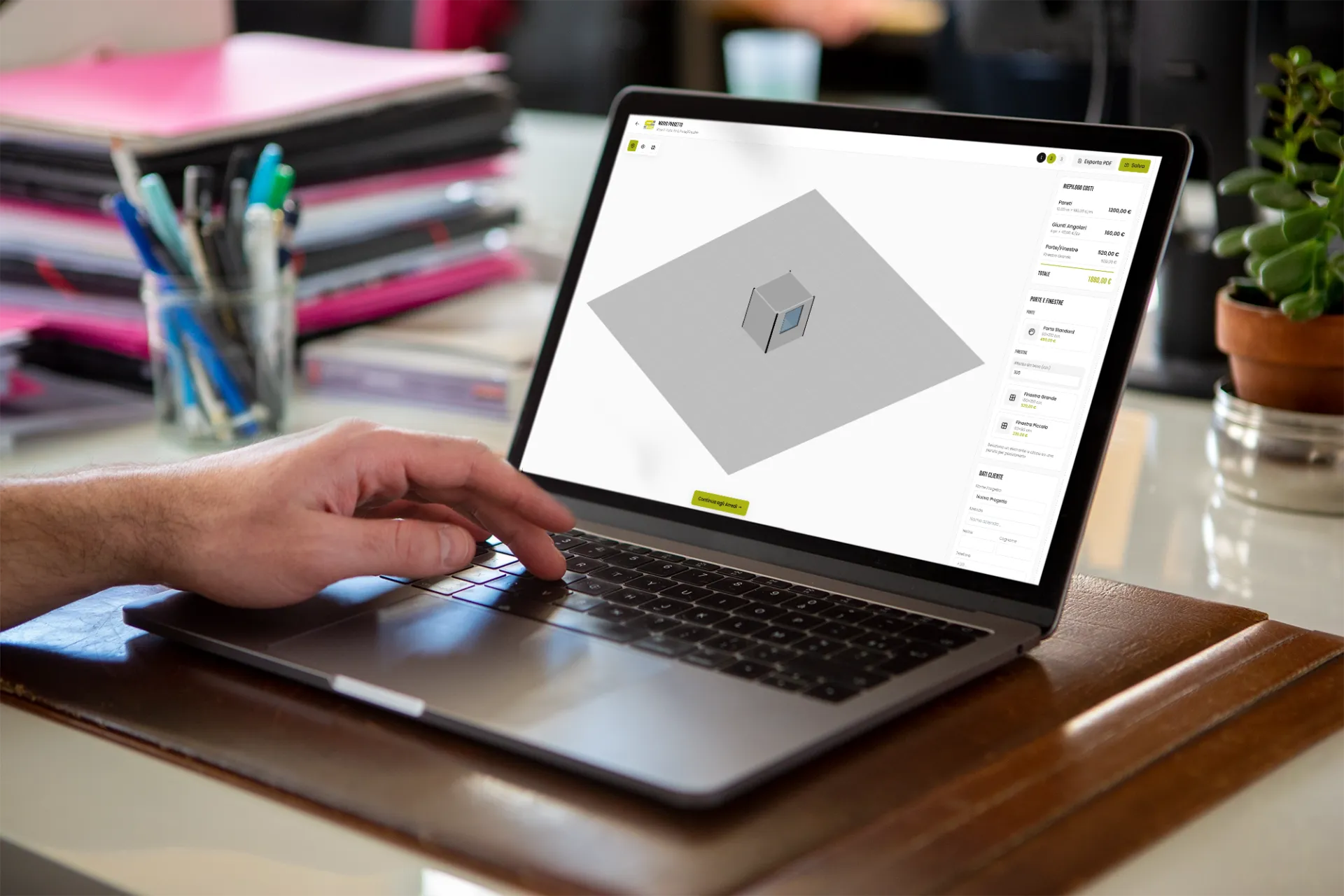
A single environment where designers, sales teams, and clients can visualize and validate solutions.
Full control over layouts, configurations, and combinations without loss of consistency.
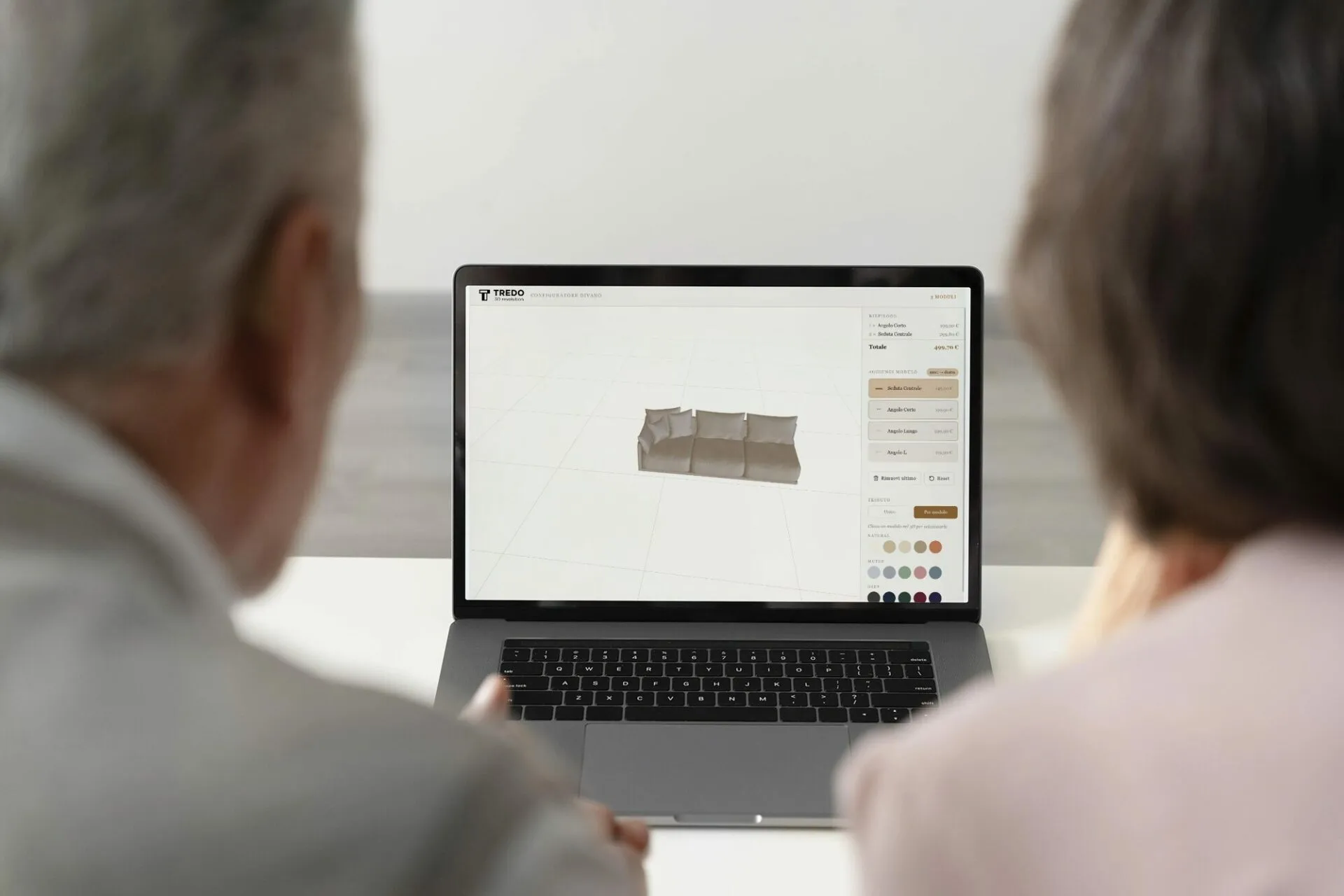
Reduces errors and approval times thanks to realistic project simulation.
All features of the Configurator for the 3D Design Area
Centralizes design and directly connects sales and production.
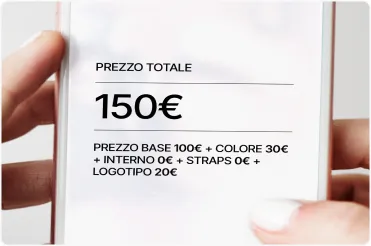
Quotation tool
to calculate the price based on the specified variables
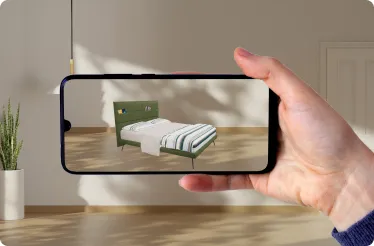
Augmented Reality (AR)
to visualize the product in a specific context
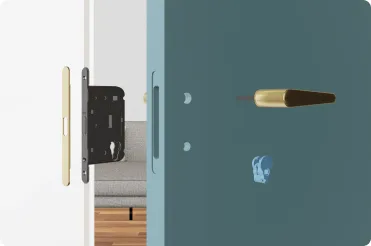
Animations
to show functionality and/or internal components
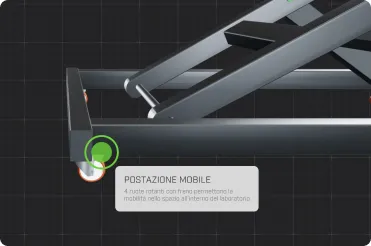
Addition of Hotspots/Clickable Points
to present all the details of a component
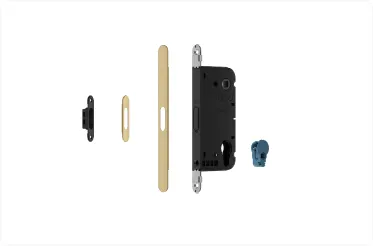
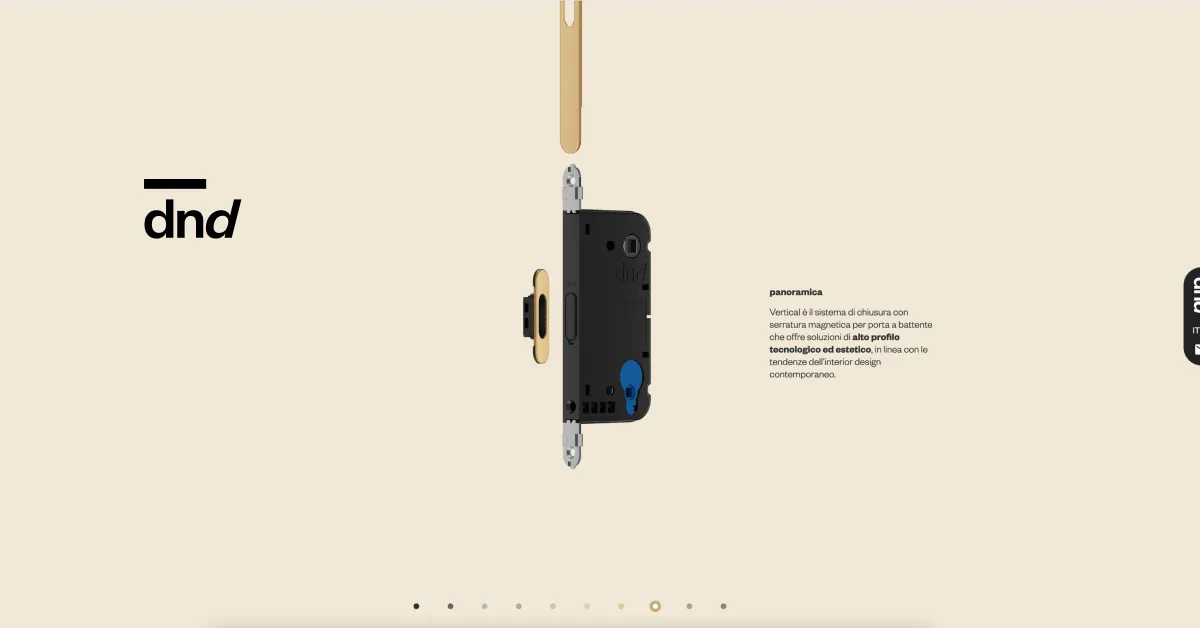
Exploded view
to examine a component and its operation in detail
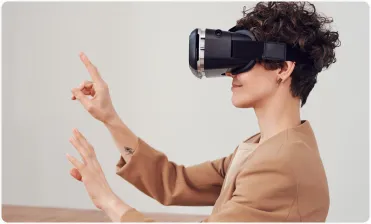
Virtual Reality (VR)
to maximize the immersiveness of the experience with VR headsets
Ulteriori opzioni
Allows internal teams, clients, and stakeholders to validate design solutions in real time, reducing approval cycles and misunderstandings.
The team can export configured 3D models in various file formats. This makes it easier to use the models in different applications, such as 3D printing, presentations, or further processing in modeling software.
Allows designs to be directly transformed into commercial configurations ready for quotations and proposals.
It allows users to customize not only the product but also the surrounding environment within the 3D configurator, enhancing the immersive experience and providing a realistic context to evaluate configuration choices.
It collects detailed data on the use of the configurator, such as user behavior, the most popular configurations, and engagement metrics. This information is crucial for optimizing the user experience and for guiding future marketing and product decisions.
It makes the configurator accessible to an international audience by offering multiple language options for the interface. This removes language barriers and improves usability for your international team and users.
Full integration capability
We can integrate our 3D solutions with your system
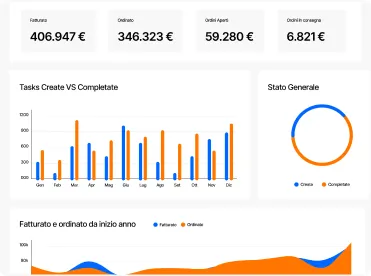
Management software
E-commerce
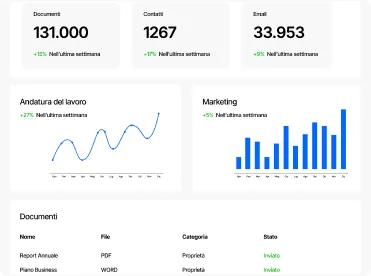
CRM
Where to use the 3D Design Area?
Wherever configuration needs to be connected to production
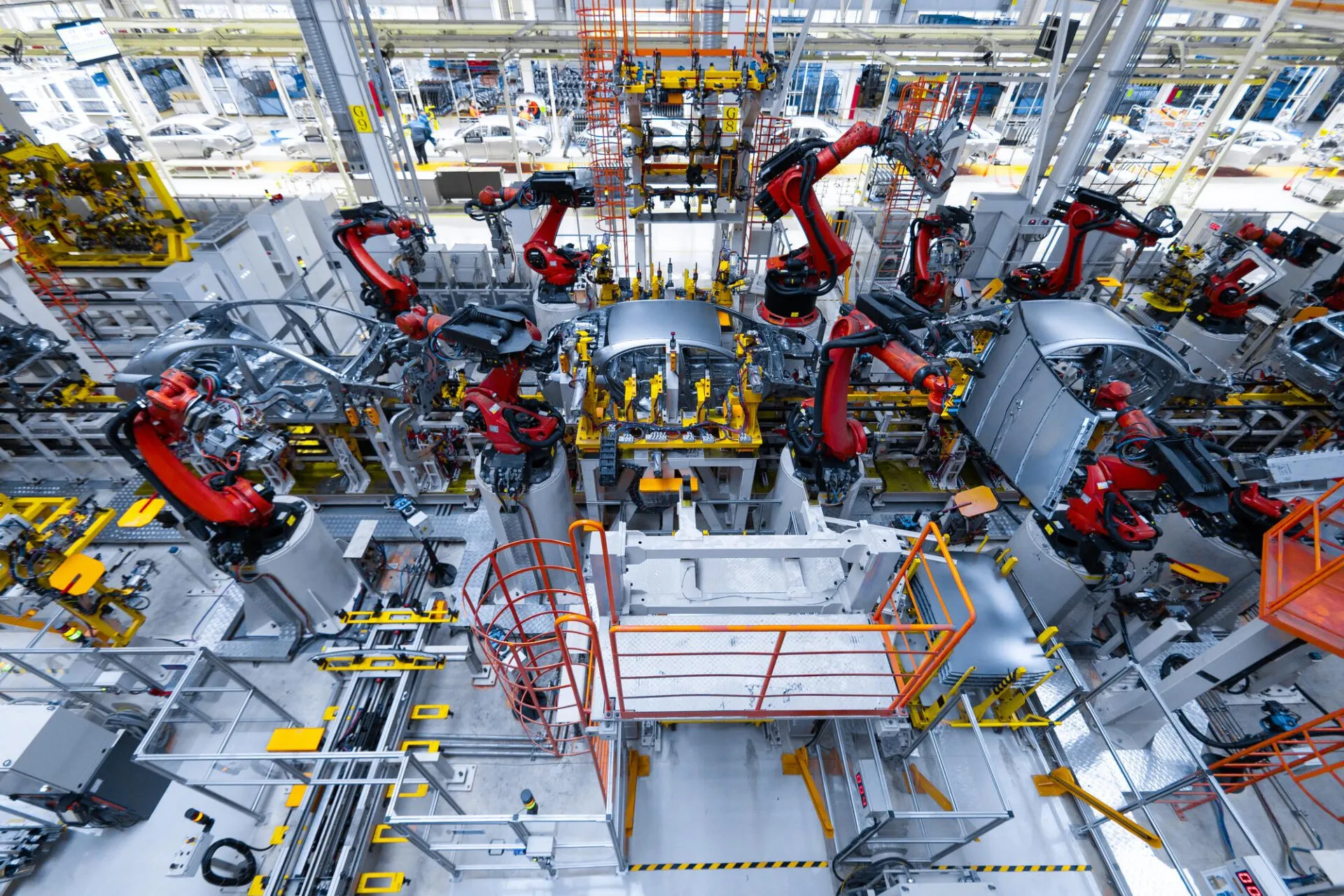
Configurable machinery and systems
Manage complex variants and advanced technical structures
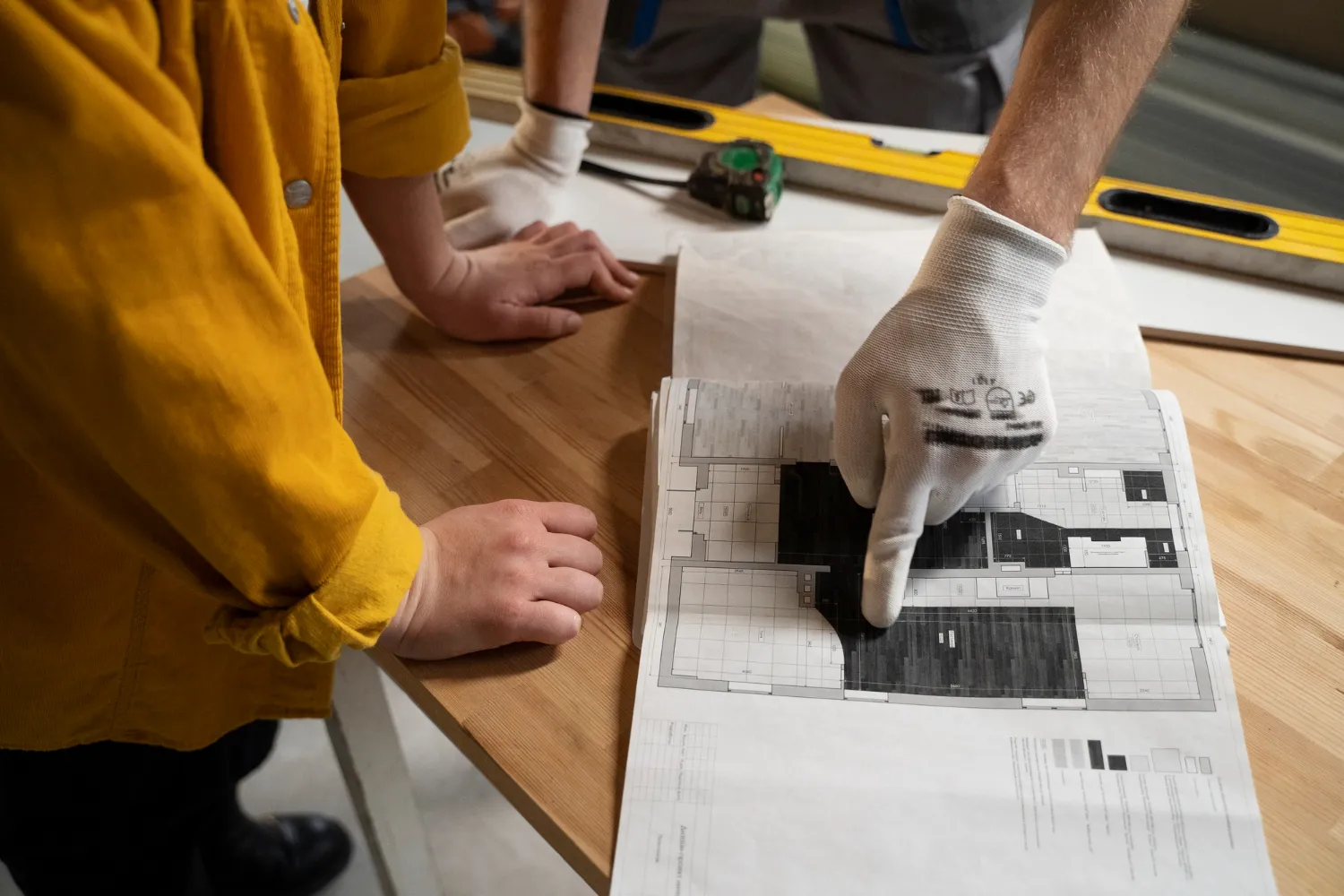
Technical and custom furniture
Turn custom configurations into production-ready data
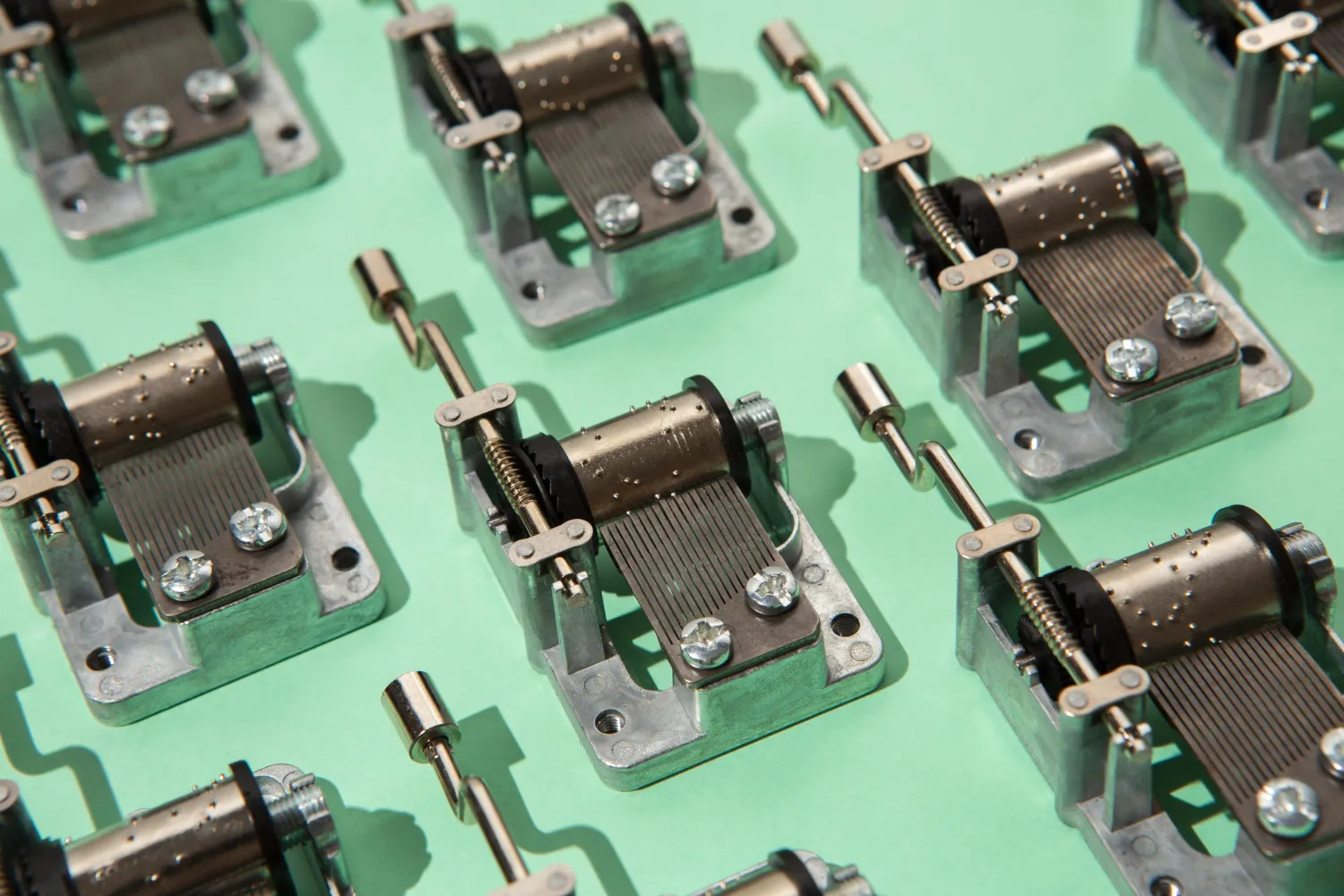
Industrial components
Reduce errors and speed up large-scale production
Suitable for every industry
Every industry has unique visual needs. See what’s right for you.
ACCESSORIES
CLOTHING
ARCHITECTURE
FURNITURE
AUTOMOTIVE
CONSUMER GOODS
CONSTRUCTION
MANUFACTURING
LUXURY RETAIL
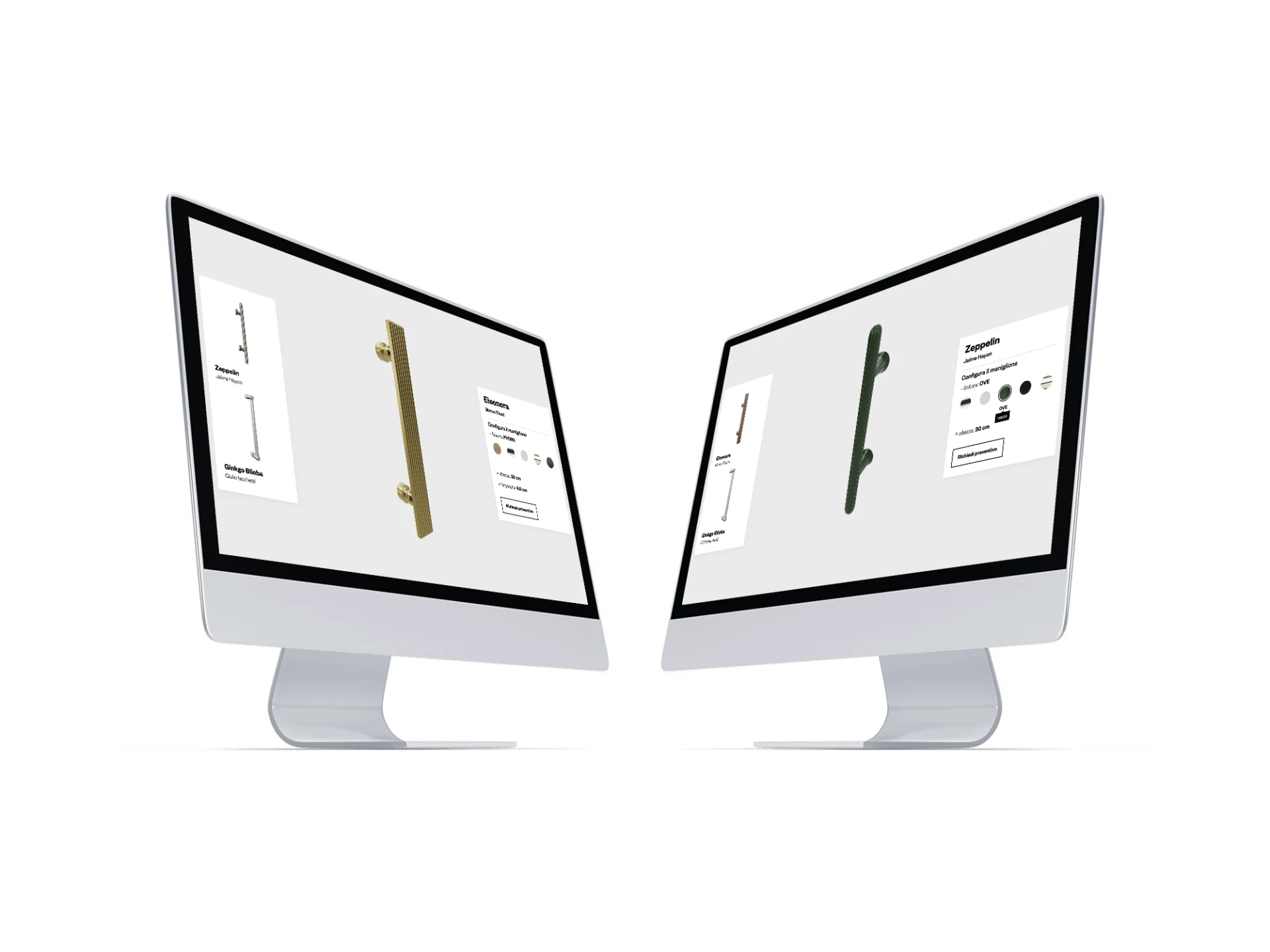
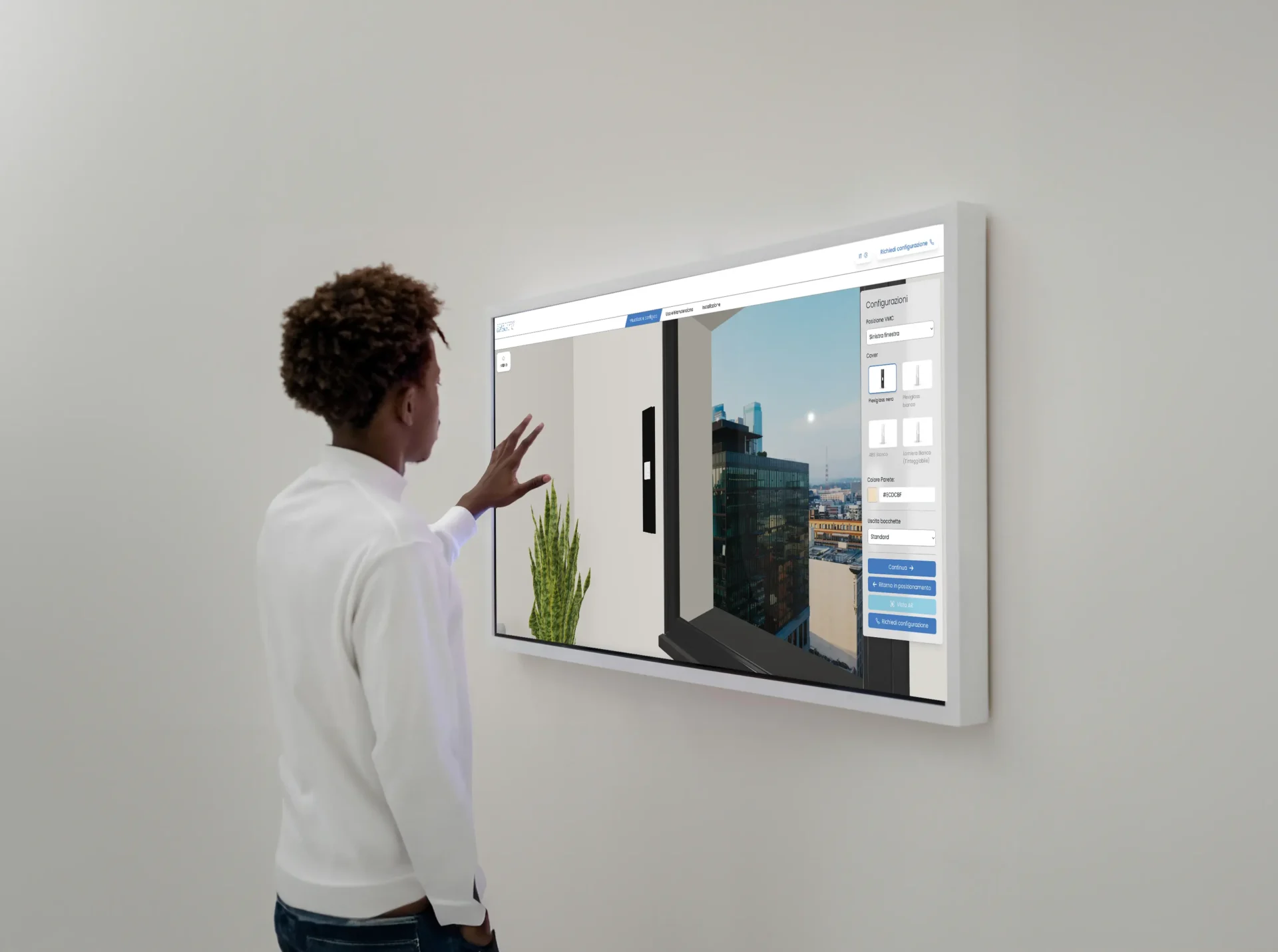
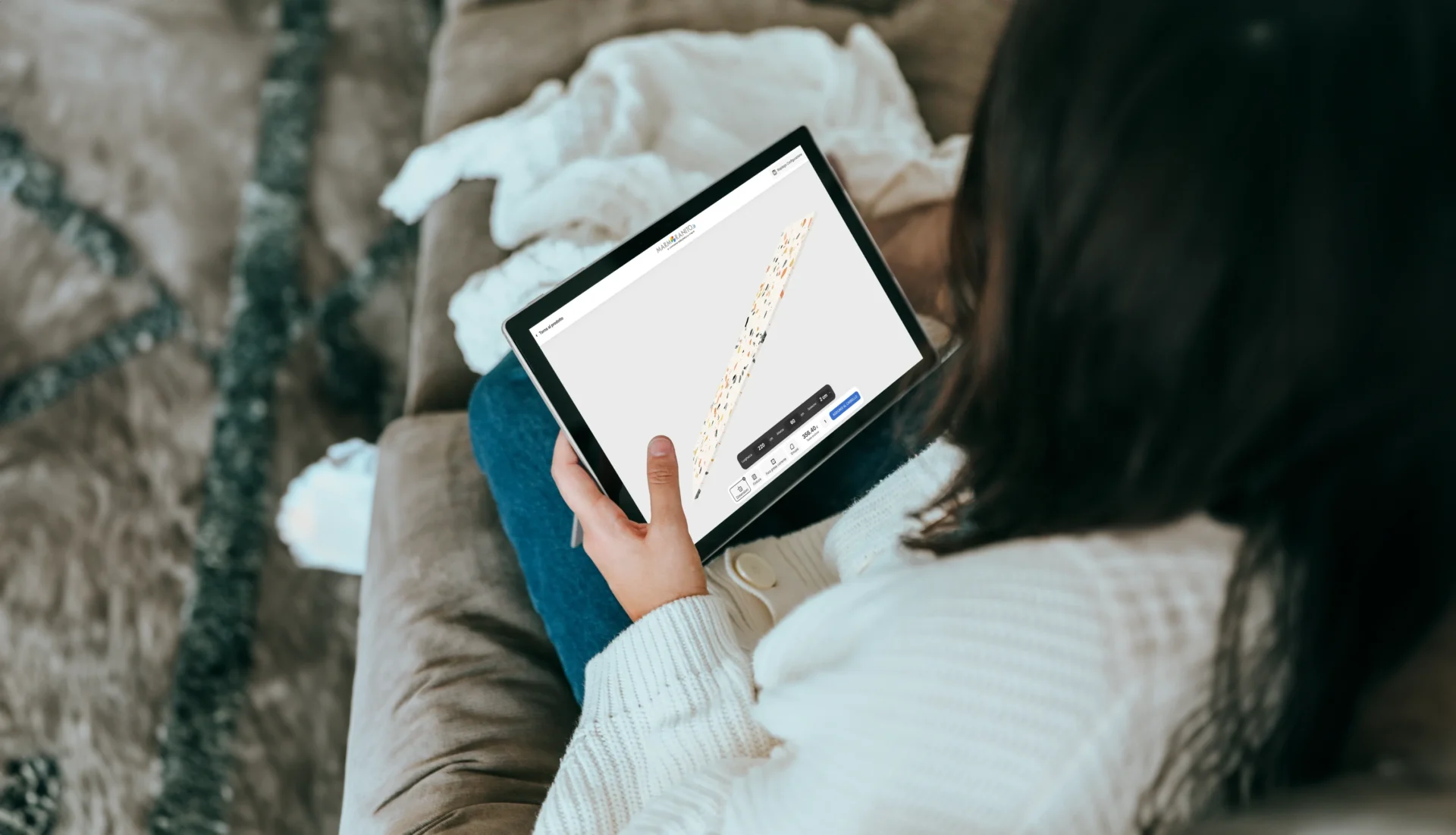
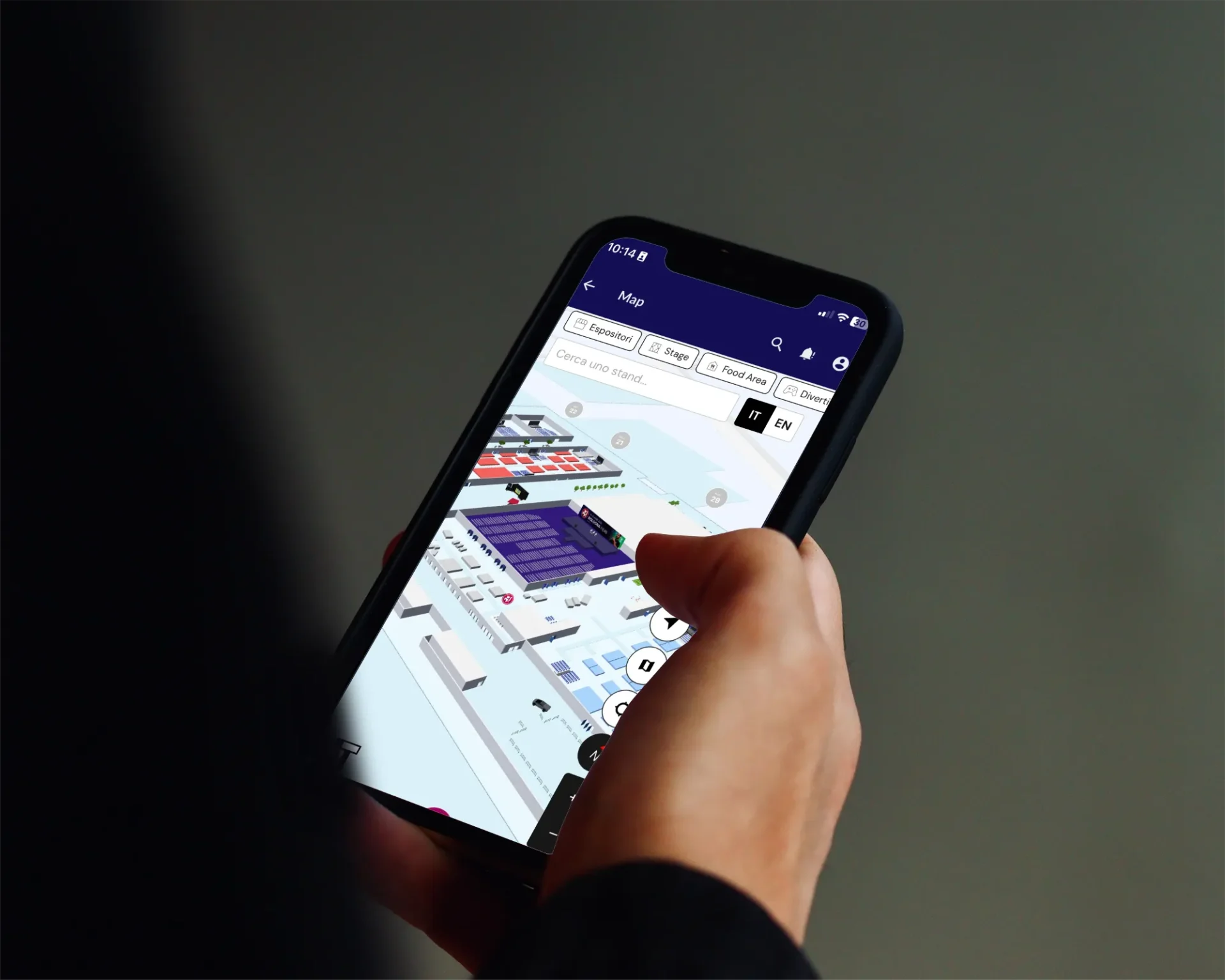
Discover the 3D configurators and viewers we’ve custom-built for some of our clients. Get inspired!
Choose the perfect 3D product for your business.
GET A QUOTE TAILORED TO YOUR NEEDS RIGHT AWAY.
Fill out the form- 30 min
- Zoom
- Andrea Baino
Let’s talk in person
We’re here to listen and help you find the solution your company is looking for.
Book your video cal